
Nocturnal 2 system requirements: minimum specs for PC
Quick answer
Nocturnal 2 needs at least a Windows 10 64-bit PC with an Intel Core i5-6600 or AMD Ryzen 3 1200, 8 GB of RAM, a GTX 1050 or Radeon RX 560X and 4 GB of free storage. These are the official Nocturnal 2 system requirements from the Nocturnal 2 Steam page, checked on 2026-11-08, and the listed target is 1080p at 60 FPS. The game is a 2D hand-drawn Metroidvania, so most desktops and laptops from roughly the last eight years should clear the bar comfortably.
| Minimum OS | Windows 10 64-bitNocturnal 2 on Steam |
|---|---|
| Minimum CPU | Intel Core i5-6600 / AMD Ryzen 3 1200Nocturnal 2 on Steam |
| Minimum GPU | NVIDIA GTX 1050 / AMD Radeon RX 560XNocturnal 2 on Steam |
| Memory and storage | 8 GB RAM, 4 GB available spaceNocturnal 2 on Steam |
The Nocturnal 2 system requirements from the official Steam page, so you can check whether your PC meets the minimum specs before launch.
Table of Contents
Nocturnal 2 needs at least a Windows 10 64-bit PC with an Intel Core i5-6600 or AMD Ryzen 3 1200, 8 GB of RAM, a GTX 1050 or Radeon RX 560X and 4 GB of free storage. These are the official Nocturnal 2 system requirements from the Nocturnal 2 Steam page, checked on 2026-11-08, and the listed target is 1080p at 60 FPS. The game is a 2D hand-drawn Metroidvania, so most desktops and laptops from roughly the last eight years should clear the bar comfortably.
Full minimum requirements
| Component | Minimum (official) |
|---|---|
| OS | Windows 10 64-bit |
| Processor | Intel Core i5-6600 / AMD Ryzen 3 1200 |
| Memory | 8 GB RAM |
| Graphics | NVIDIA GTX 1050 / AMD Radeon RX 560X |
| Storage | 4 GB available space |
| Additional notes | 1080p @ 60FPS |
How to check your PC
Check your CPU and RAM
Press Ctrl+Shift+Esc to open Task Manager and look at the Performance tab, or check System Information. Compare your processor against the i5-6600 or Ryzen 3 1200 baseline.Check your graphics card
In the same Performance tab, select GPU and compare the model with the GTX 1050 or RX 560X, both entry-level cards from 2017.Check free storage
Make sure you have at least 4 GB free on the drive where you install Steam games.
The Steam page also lists Windows as the only platform, so a PC is the only way to play at launch on November 10, 2026. Steam Deck compatibility still shows as "Unknown" on the store page as of 2026-11-08, so Valve has not rated it for handheld play.
Next steps
- If you prefer a gamepad, the developers recommend playing with a controller and the page lists full controller support — see our Nocturnal 2 controller support page for details.
- The store page mentions a demo was removed in May 2026, so you cannot benchmark your PC with it anymore; use the specs above instead.
FAQ
What are the recommended system requirements for Nocturnal 2?
As of 2026-11-08, the official Steam page's recommended section only says "Requires a 64-bit processor and operating system." Sunnyside Games has not published full recommended specs, so treat any higher tier you see elsewhere as speculation.
Can my laptop run Nocturnal 2?
The Notebookcheck coverage of the launch notes the game's modest spec list, and the GTX 1050 / RX 560X minimum means many gaming and even some mainstream laptops from the last several years should meet it. Check your specific GPU and CPU against the table above.
Does Nocturnal 2 run on anything besides Windows?
As of 2026-11-08, the official Steam page lists Windows as the only platform, with no Mac, Linux or console versions shown, and Steam Deck compatibility is listed as Unknown.
Details on this page were checked against the official Nocturnal 2 Steam page on 2026-11-08, with launch coverage from Notebookcheck. How the game actually performs on hardware at or above the minimum specs remains unconfirmed until players report results after the November 10 release.
Related guides for this game
Support Guides Index

Nocturnal 2 Controller Support: Gamepads Explained
Nocturnal 2 controller support confirmed: Steam lists Full controller support, the developer recommends a pad, and Xbox and PlayStation controllers work.
Stores Guides Index
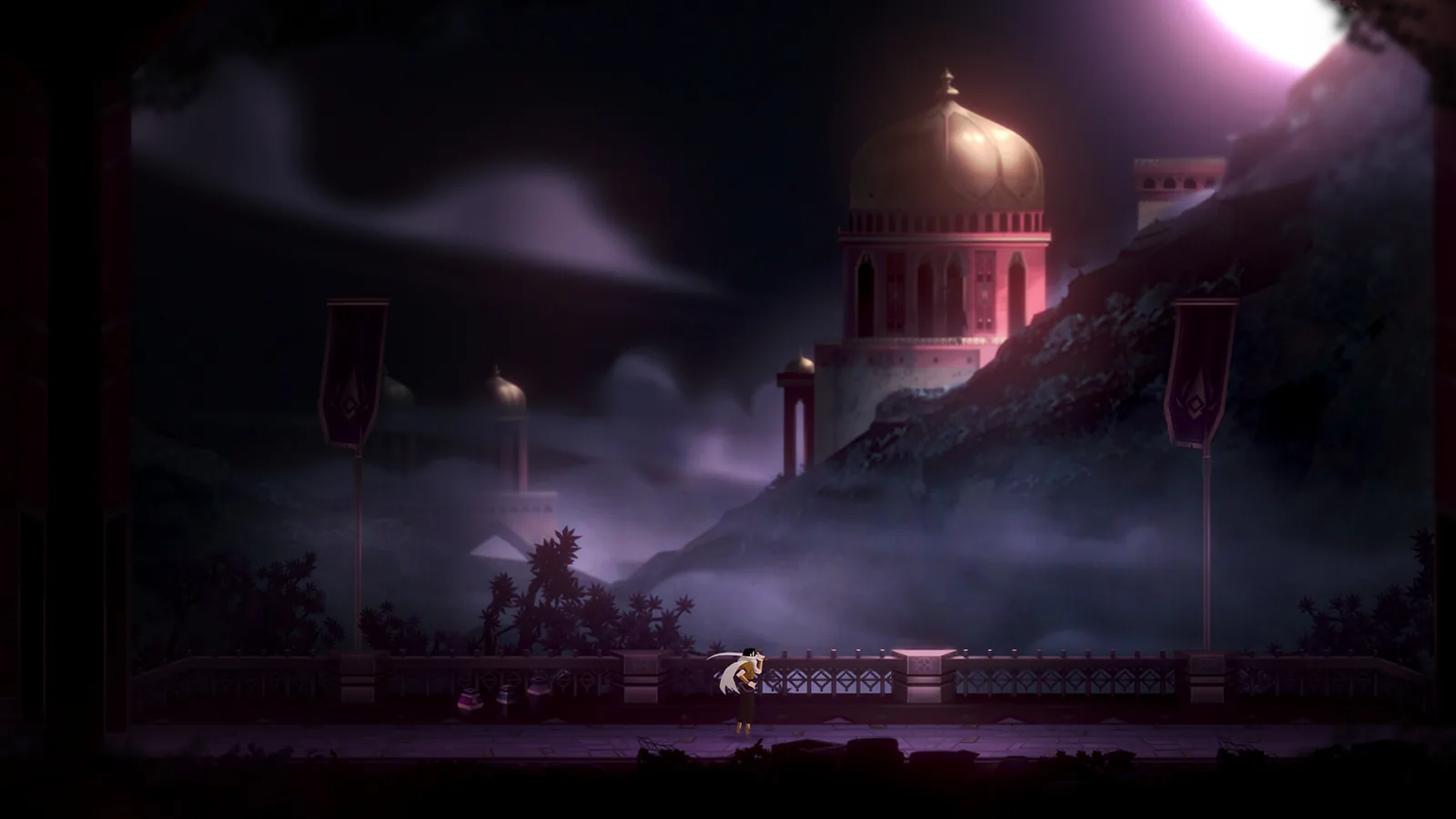
Nocturnal 2 Steam Page: Release, Features & PC Specs
Find the official Nocturnal 2 Steam page with its November 10, 2026 release date, Metroidvania features, languages, and full minimum PC system requirements.
Guide Guides Index

Nocturnal 2 Arcana: What They Are and How They Work
Nocturnal 2 arcana are collectibles the Steam page groups with poems that may lead you down unexpected paths; here is what they are and how they work.

Nocturnal 2 beginner guide: release date and first steps
This Nocturnal 2 beginner guide explains exactly when and where you can start playing, what the game is, and the first steps once it launches on Steam.
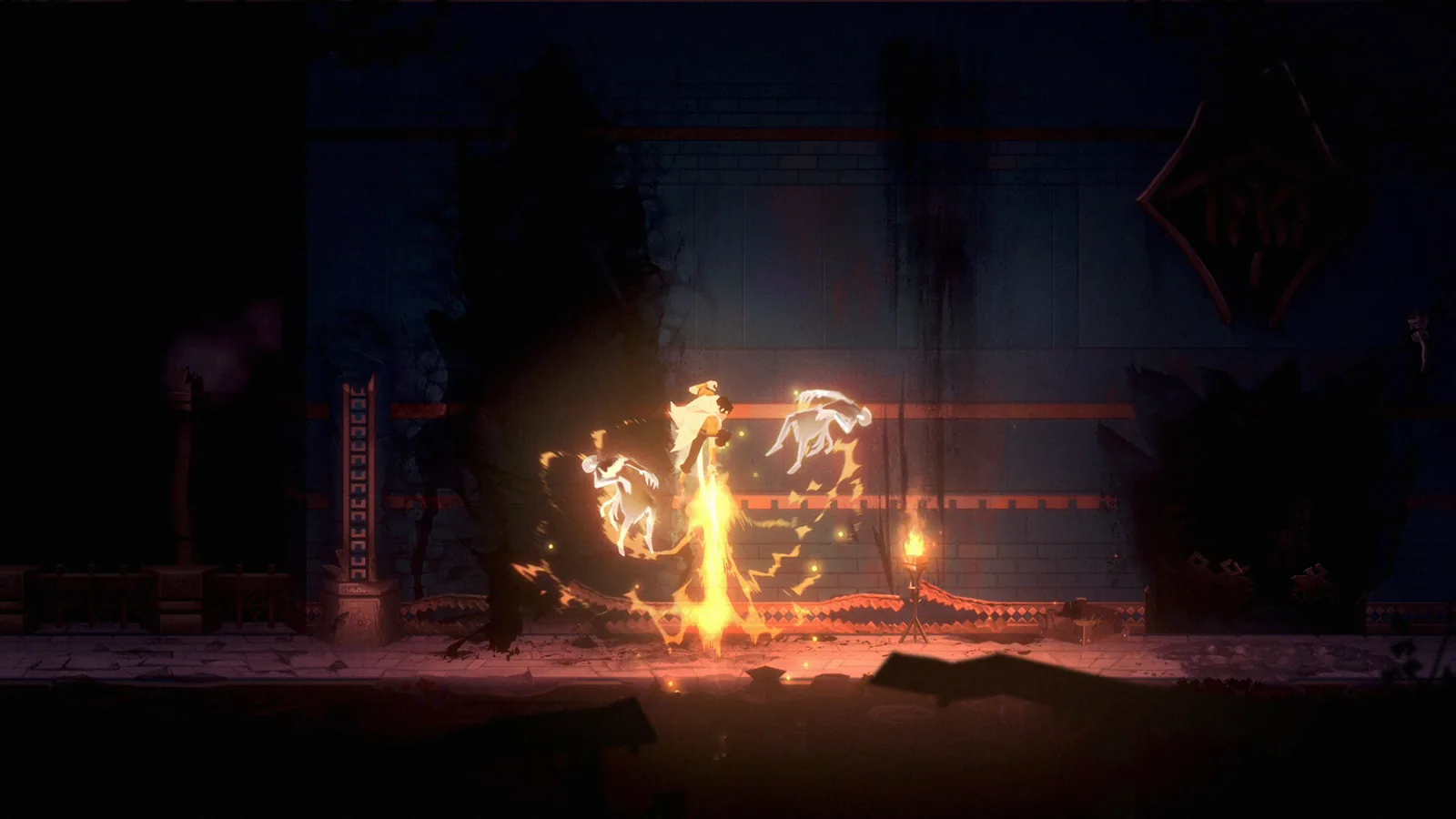
Nocturnal 2 Demo Walkthrough: What the Demo Covered
A Nocturnal 2 demo walkthrough route is no longer playable: the demo left Steam on May 31, 2026. Here is what the demo contained and what replaced it.
Nocturnal 2 Endings: What Is Confirmed Before Launch
What Nocturnal 2 endings are confirmed before launch: none yet. Sunnyside Games tags the game Multiple Endings, and it unlocks on Steam November 10, 2026.